
Description
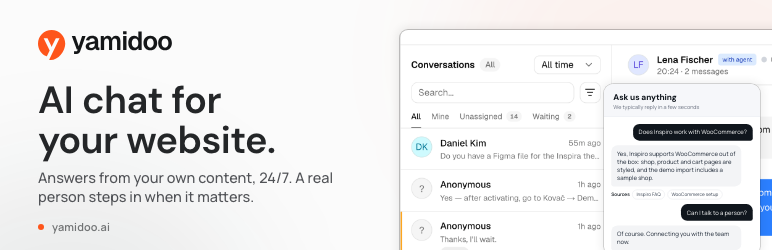
Yamidoo answers your visitors’ questions from your own website, 24/7, and brings a real person in when it matters.
Most “AI chatbot” plugins give you a bot and leave you to figure out the rest. Yamidoo is a complete support chat: an AI assistant trained on your content, a live inbox for your team, and the customer data from your store, all in one place. It is made by the WPZOOM team and runs on wpzoom.com and on our customers’ sites.
What you get
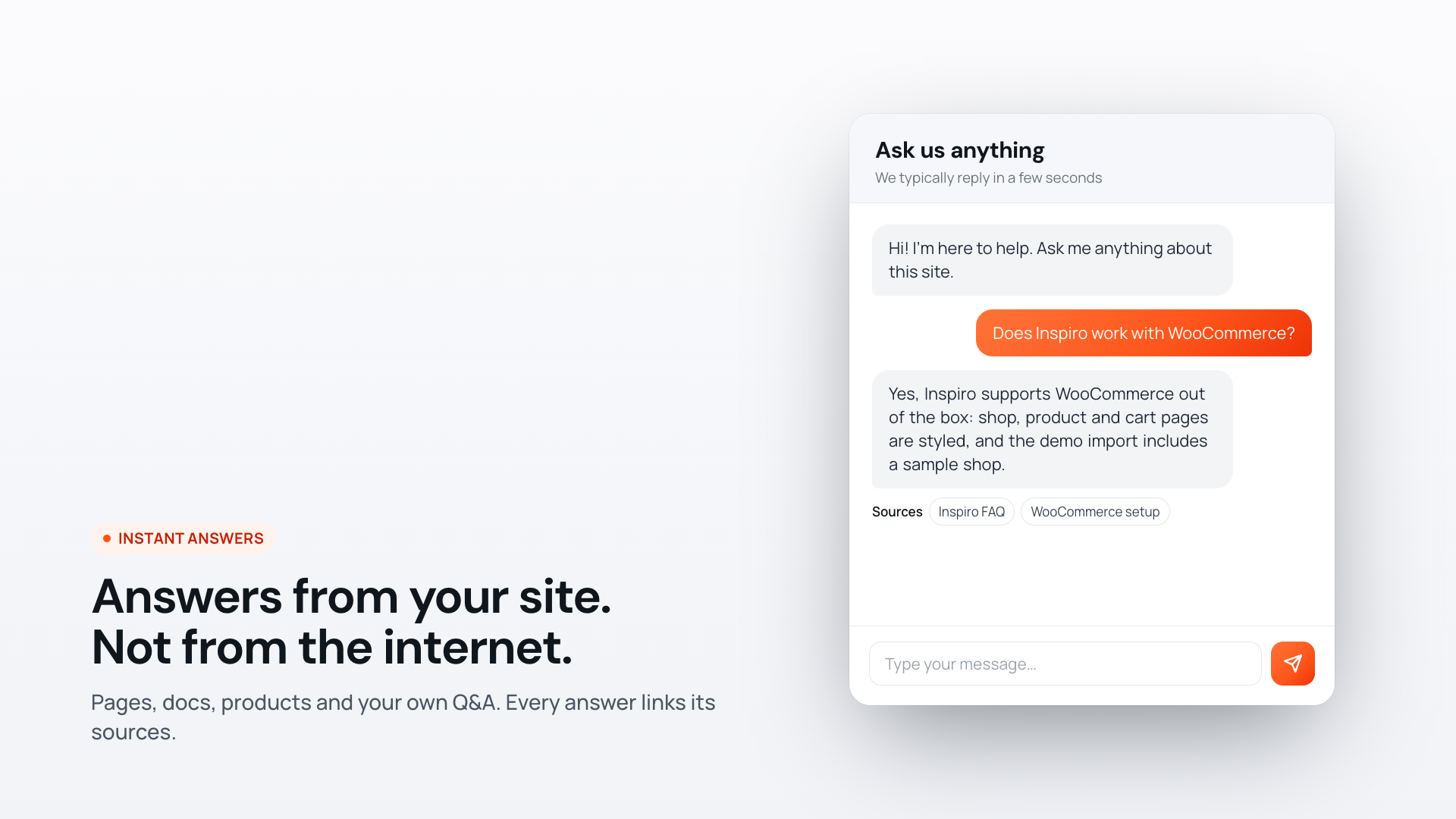
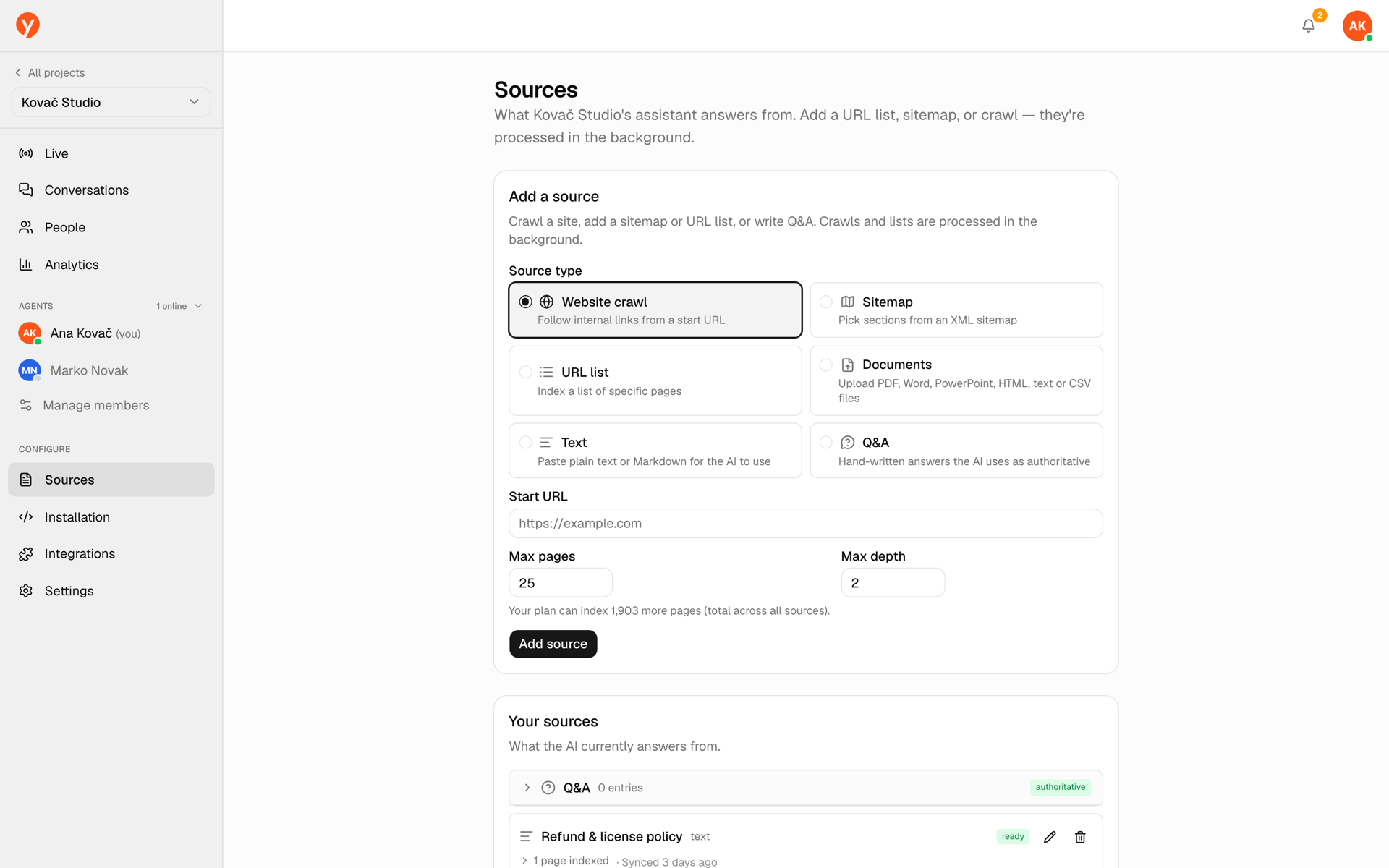
- Answers from your content, with sources. Yamidoo indexes your pages, posts, docs, products, uploaded files and your own Q&A, then answers from that. Every answer links the pages it used. When it doesn’t know, it says so instead of guessing.
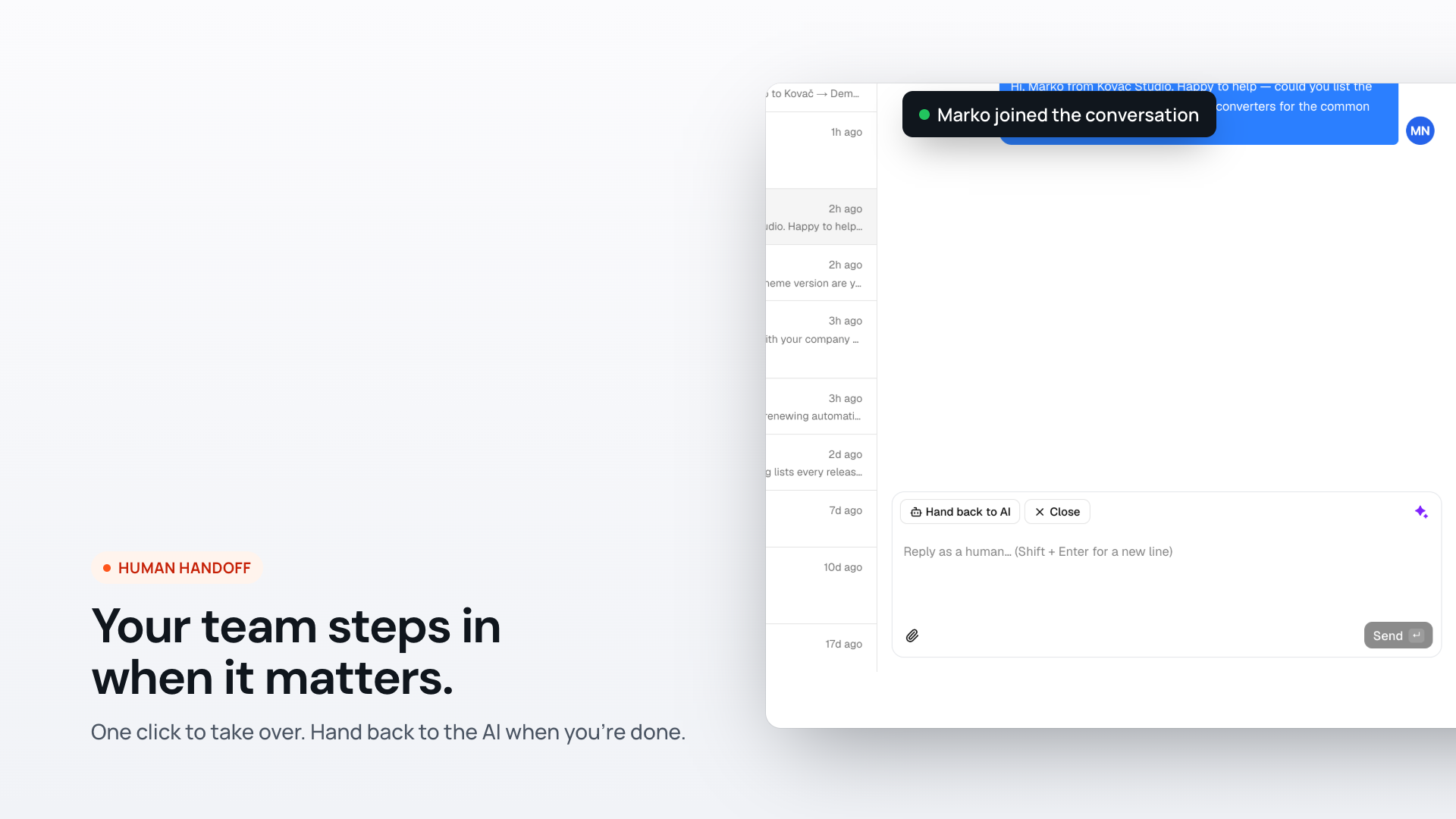
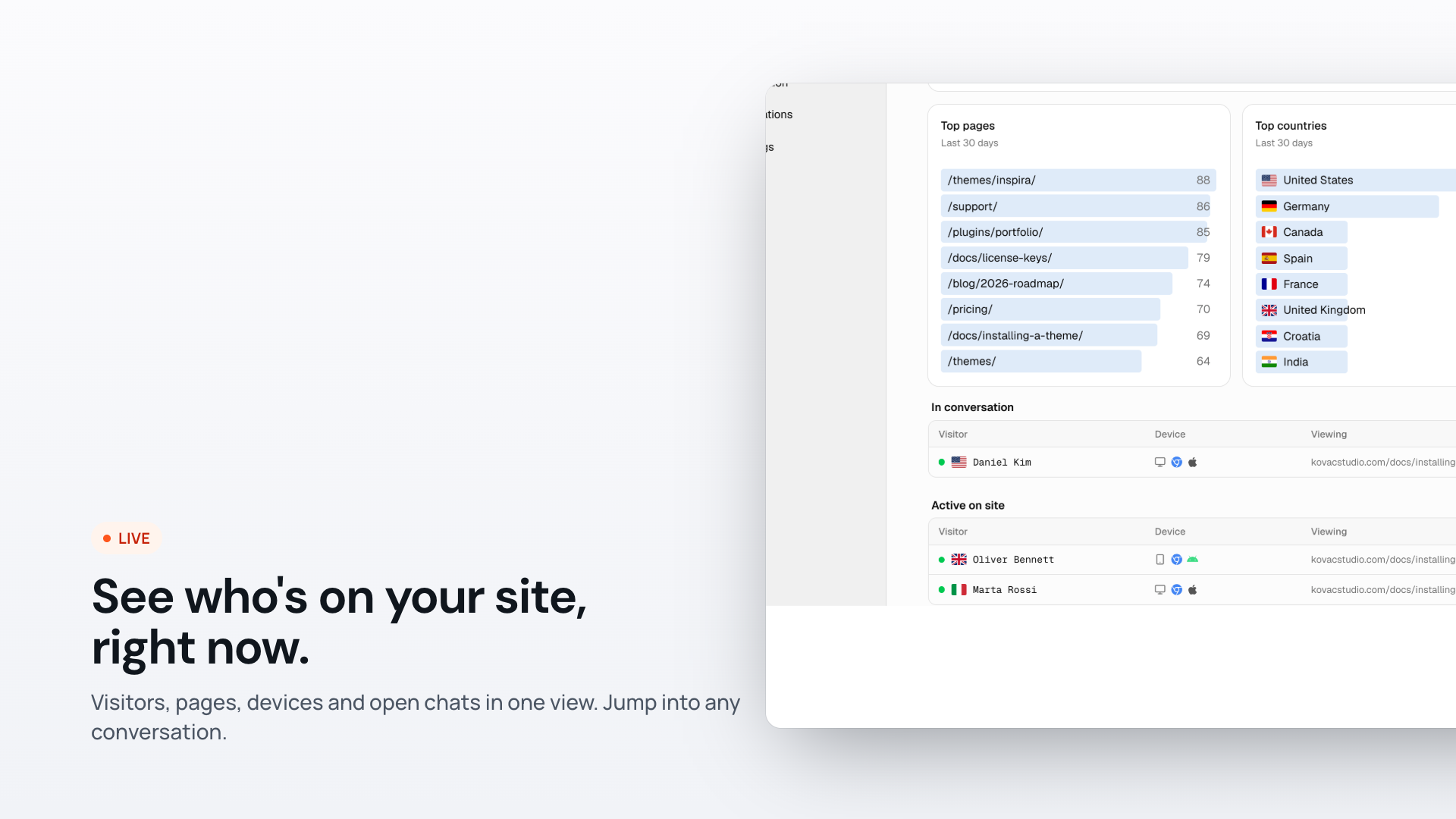
- Human handoff and a live inbox. Visitors can ask for a person, and the AI hands over by itself when it can’t help. Your team replies from the Yamidoo inbox, sees who is on the site right now, and hands the chat back to the AI when done. Nobody online? The visitor leaves their email and you get a notification with the whole conversation.
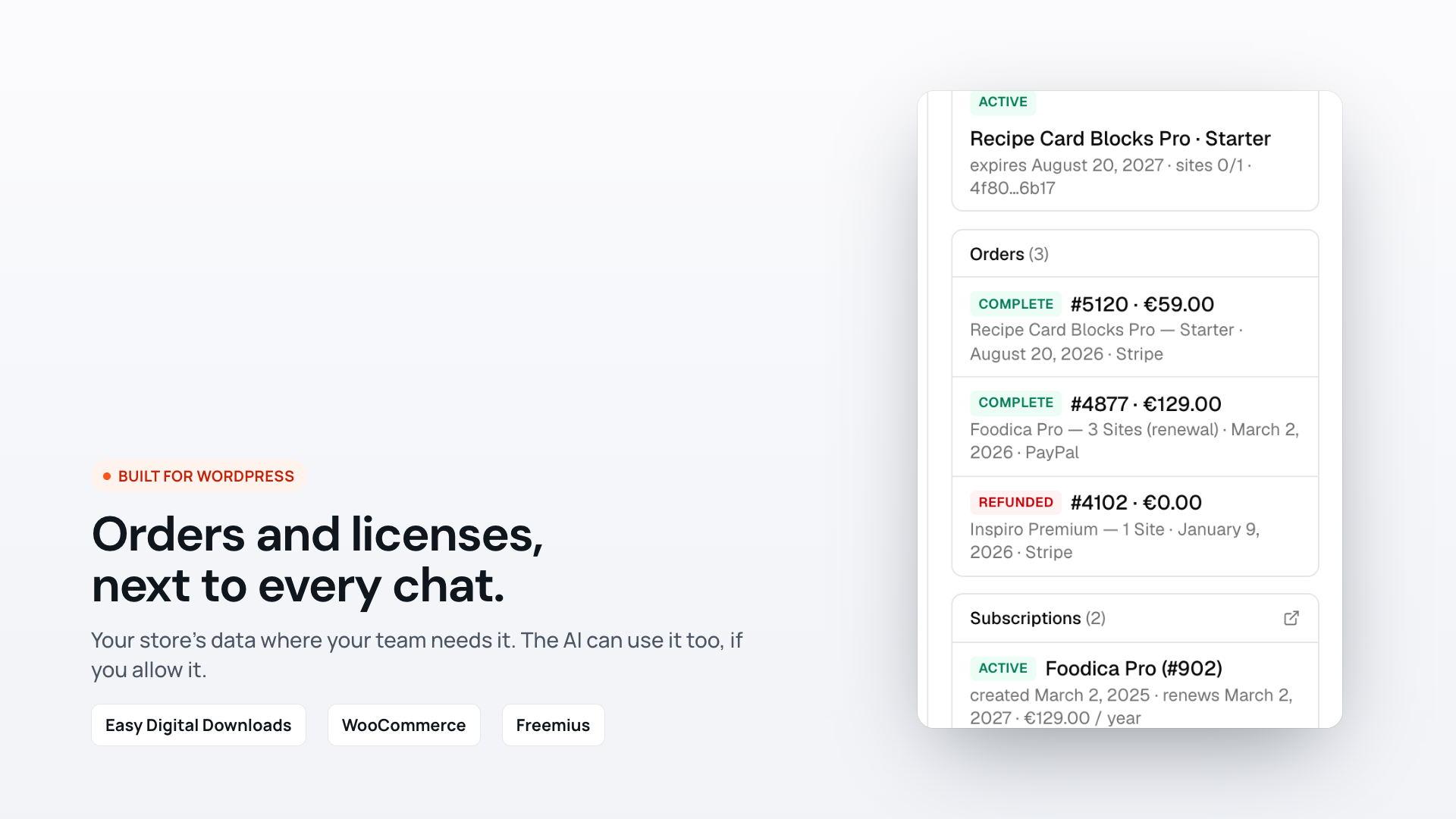
- Your store’s data next to every chat. With Easy Digital Downloads, WooCommerce or Freemius, your team sees the customer’s orders, licenses and subscriptions beside the conversation. If you choose to, the AI can answer logged-in customers’ own account questions (“when does my license expire?”). Off by default, and only for identities your site has signed.
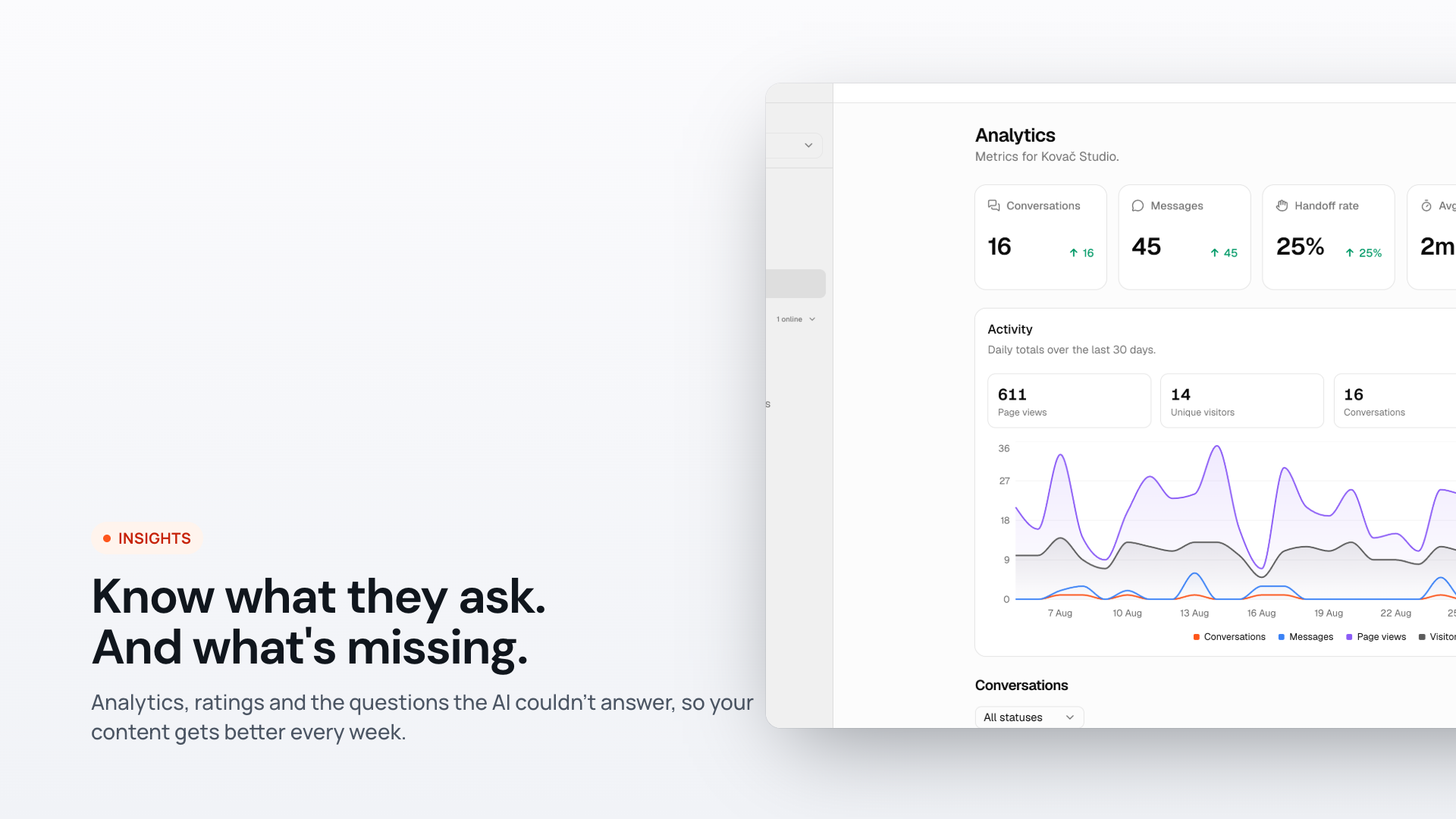
- Content gaps. See the questions the AI couldn’t answer, grouped by topic, so you know which docs to write next. Mark them solved as you go.
- Analytics. Conversations, handoff rate, response time, satisfaction split between AI and team, where chats start on your site, and the pages visitors came from.
- A widget that fits your site. Your colors, launcher icon and label, welcome message, suggested questions, floating messages, contact capture, ratings, email transcripts, and 14 interface languages. Floating bubble, embedded in a page, or an iframe.
- One-click connect. Install, click Connect to Yamidoo, and the widget is live with indexing started. Nothing to paste.
- Works with your stack. Help Scout drafts, an API for your own scripts and AI assistants, and the optimization plugins people actually use (WP Rocket, LiteSpeed Cache, Autoptimize, Perfmatters, SiteGround Optimizer, Cloudflare).
Free to start. The free plan includes 50 conversations a month on one site, with the AI, the inbox and human handoff all included. Paid plans add more conversations, pages and sites. See yamidoo.ai/pricing.
Private by design. Your customers’ data is fetched from your site when a conversation needs it, over a signed request, and is not stored by Yamidoo. Visitors from countries you block never load the widget. Yamidoo is operated from the EU.
How it works
Yamidoo is a hosted service. This plugin connects your WordPress site to your Yamidoo account, adds the chat widget to your pages, and gives your workspace a signed endpoint for customer data. Everything about how the widget looks and behaves is configured in your Yamidoo dashboard, so changes go live without touching WordPress. You need a free Yamidoo account: create one at yamidoo.ai or straight from the plugin’s Connect button.
External services
This plugin connects to Yamidoo, a hosted third-party service operated by Yamidoo, to provide the AI support chat. It is required for the plugin to function.
- What it is: Yamidoo loads the chat widget script (
widget.js) from the Yamidoo app athttps://app.yamidoo.aiand communicates with the Yamidoo API on the same host to fetch your widget’s configuration and to power live conversations. - What data is sent, and when:
- When a visitor interacts with the widget: their chat messages, an anonymous session identifier, the page URL/referrer and basic browser/device metadata, and any files a visitor chooses to upload in the chat.
- If “identify logged-in users” is enabled and a user is logged in: that user’s WordPress display name, email address, username and user ID.
- If customer lookup is enabled: when your team opens a conversation, or the AI answers a logged-in customer, your Yamidoo workspace requests that one email’s record from this site (
/wp-json/yamidoo/v1/customer) — Easy Digital Downloads customer, licenses, orders and subscriptions, or WooCommerce orders and subscriptions. Every request is signed with the secret you paste into the settings; the record is shown to your team and used for that answer, then discarded. - When loading the widget: your Site ID (a public identifier used to select your widget configuration).
- When you click Connect to Yamidoo: your site’s address, the address of the settings screen to return to, and your WordPress email and name to prefill the sign-in form. Nothing is sent until you click the button.
- Service links: Website · Terms of Service · Privacy Policy
By installing this plugin and adding your Site ID, you agree to Yamidoo’s Terms of Service and Privacy Policy.
Screenshots
Installation
- Install and activate the plugin.
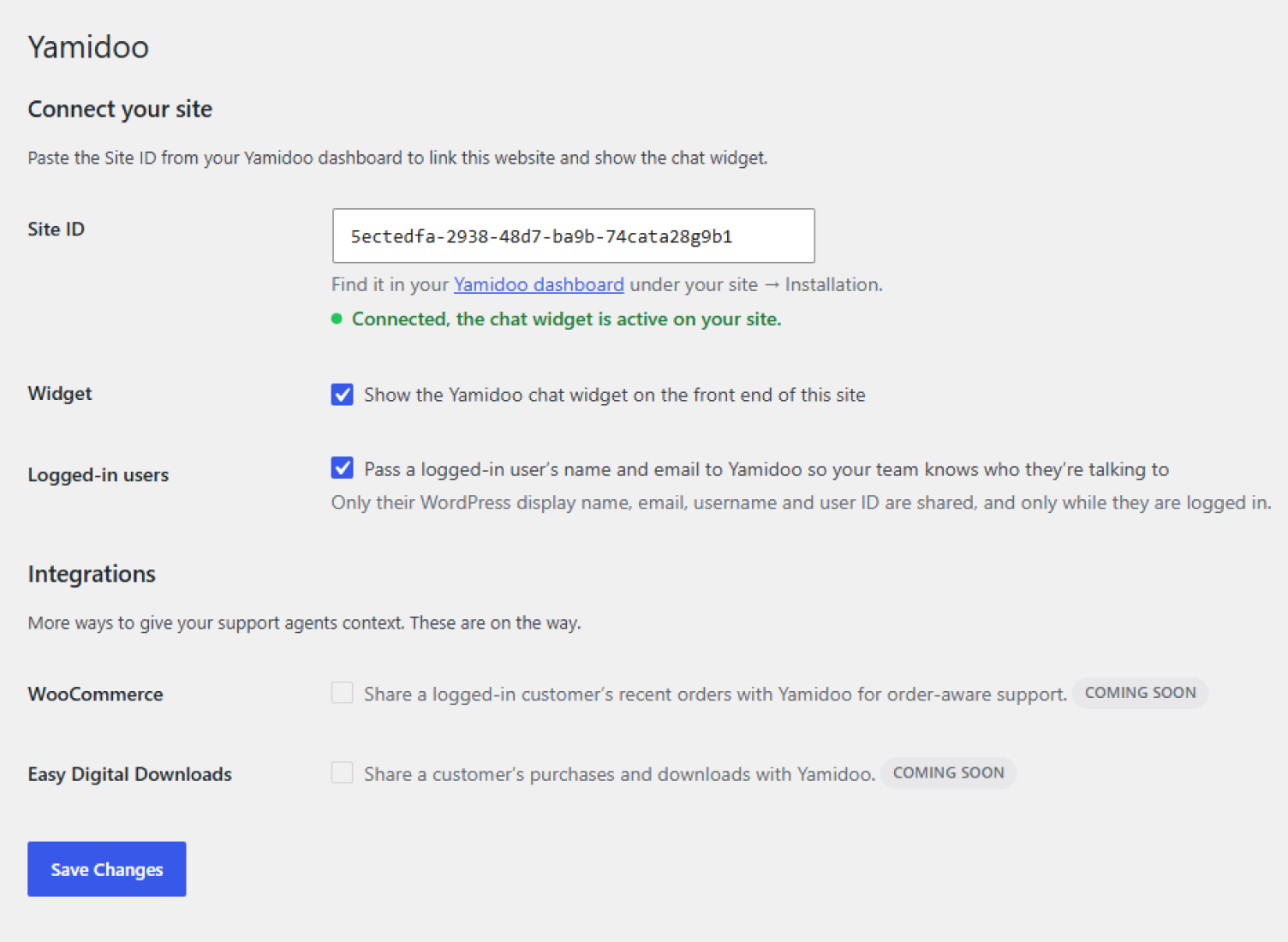
- Go to Settings Yamidoo and click Connect to Yamidoo. Sign in or create a free account and confirm — you are sent straight back, and the widget appears on your site. On Easy Digital Downloads and WooCommerce stores, customer data is switched on for you too.
Prefer to do it by hand?
- In your Yamidoo dashboard, open your site and copy its Site ID from Integrations WordPress.
- In Settings Yamidoo, paste the Site ID and save.
- Optional, for Easy Digital Downloads or WooCommerce stores: in the dashboard open Integrations Customer data, paste the Lookup URL shown in Settings Yamidoo (
https://your-site.com/wp-json/yamidoo/v1/customer), click Generate secret, paste the secret into WordPress and tick Show customer data in my Yamidoo inbox.
FAQ
-
Do I need a Yamidoo account?
-
Yes. Yamidoo is a hosted service; the plugin connects your site to it. Sign up at yamidoo.ai.
-
Where do I customize the widget’s colors, text and behavior?
-
In your Yamidoo dashboard. Because the widget reads its configuration from Yamidoo, your changes apply automatically — there is nothing to update in WordPress.
-
Is there a paid or “Pro” version of this plugin?
-
No. The plugin is free. Any plan limits or premium widget features are handled by your Yamidoo subscription on the service side.
-
Does it work with caching and optimization plugins?
-
Yes. The widget’s script tags carry the opt-out attributes these plugins honour, and the plugin registers on the exclusion filters of WP Rocket, LiteSpeed Cache, Autoptimize, Perfmatters and SiteGround Optimizer, so the widget is not delayed, deferred or combined. If you use another optimizer with a manual exclusion list, exclude
widget.jsandyamidoo. -
Only what you enable, and only with your own Yamidoo workspace — not with Yamidoo the company or anyone else. With customer lookup on, your workspace can ask this site for one email address’s record at a time: the customer name and totals, and their orders, licenses and subscriptions from Easy Digital Downloads or WooCommerce (the most recent 8 of each). Your support team sees it in the inbox next to that person’s conversation. The AI does not see it unless you turn on Let the AI answer account questions in the dashboard, and even then only when the person chatting is logged in to your WordPress site — the plugin signs their identity, so a visitor cannot type someone else’s email and ask about their orders. Nothing is copied into Yamidoo; each request is signed with your secret and answered live from your site.
-
My theme prints the widget itself. Can I still use customer data?
-
Yes. Leave Show the Yamidoo chat widget off so the plugin does not add a second copy, and keep customer lookup on: the endpoint works regardless. For the AI to answer account questions, add a
signatureto your ownidentify()call usingyamidoo_identity_signature( $user->user_email ), computed in PHP. -
Can I add data from other plugins?
-
Yes. Hook the
yamidoo_customer_sectionsfilter and return extra sections (a title and a list of items with a value, optional label, badge, tone, meta and url). Memberships, Freemius, a CRM — anything you can look up by email.
Reviews
There are no reviews for this plugin.
Contributors & Developers
“Yamidoo – AI Chatbot & Live Chat for Customer Support” is open source software. The following people have contributed to this plugin.
Contributors

Translate “Yamidoo – AI Chatbot & Live Chat for Customer Support” into your language.
Interested in development?
Browse the code, check out the SVN repository, or subscribe to the development log by RSS.
Changelog
1.1.3
- Security fix
1.1.2
- IMPROVED: Customer data now lists up to 25 licenses (active ones first) and 15 orders and subscriptions, and reports the total count when there are more
1.1.1
- NEW: One-click connect — sign in or create an account from Settings Yamidoo and everything is filled in for you
1.1.0
- NEW: Customer data for Easy Digital Downloads and WooCommerce — orders, licenses and subscriptions shown next to the conversation, and account questions answered for logged-in customers
- NEW:
yamidoo_customer_sectionsfilter for other plugins - Logged-in identities are signed so the AI only shares account data with the real account holder
- The connect token and lookup secret are encrypted in the database, keyed to your site’s auth salt
- Suggested privacy policy text under Settings Privacy Policy Guide
1.0.0
- Initial release